This two-part blog post (read part 1 here) was prompted by the Visma e-conomic case study about using custom Unless components to improve the onboarding experience in their web application.
In part 1, we went over four points: knowing your users and educating them as well as identifying key actions for users to take and addressing potential drop-off points. We will now take a look at keeping a multi-channel approach, getting personal, expanding the horizons of your users, and remembering that onboarding never stops. Read on!
Keep your approach multichannel
You can add all the tooltips and nudges and provide all the videos and help center articles but it won’t do much if your user isn’t coming to your website or logging in to your application, to begin with.
First, you need to get your users to your product, continuously. And that is when other channels come in. Push notifications can be powerful however they are mostly meant for mobile apps. You could use social media channels with some careful and cautious targeting to get your message in front of the right people (such as trial users and customers). But the best and most utilized channel is certainly email.
Here the approach will depend on your particular company and product but in most cases we recommend a multi-step strategy. This is because one big email with too much information could get overwhelming for a new user. It’s best to break it down into small, manageable steps. Multiple emails can also ensure that you keep your product top of mind and your users active and engaged. Just make sure you are not flooding their inbox either.

Tying this back to Part 1, once you’ve identified the key actions and potential drop-off points, you can address each of them in your onboarding emails as well. Above we have some examples from our multi-step email campaign for onboarding. After each completed key action, a new email is sent to the user with the next step along with information. We’ve also set X amount of days between emails to not send too many emails at once.
Get personal
Providing personal support and advice to your customers is super valuable not just for today, it also carries long-term rewards. Customer success (and lifetime value) is highly dependent on the support you provide. Whether you can afford this and in what shape or form will depend on the availability of time, team, and financials. Common examples here include emails, chatbots, and live chat. When it comes to B2B, and enterprise in particular, however, you might want to take things a step further and get more personal.
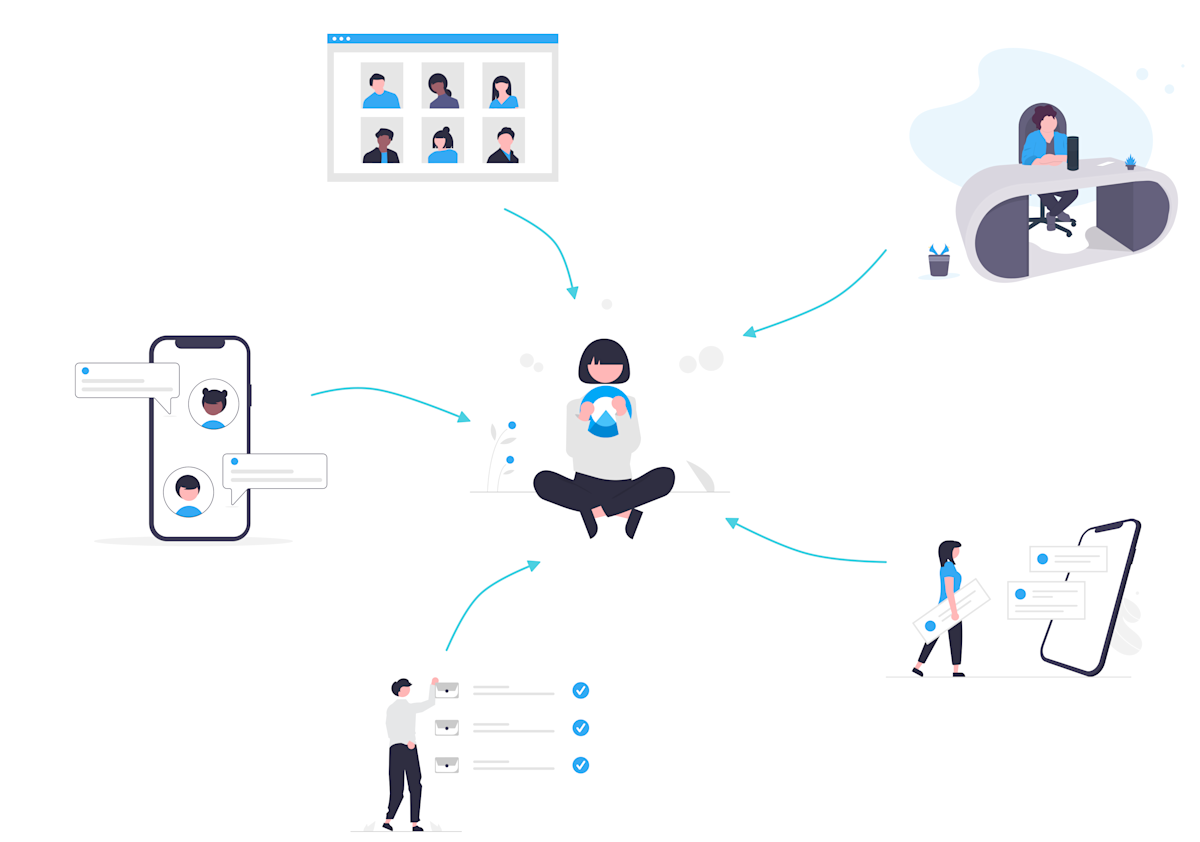
At Unless, we’ve always provided chat and email support. However, something we’ve seen great results with in recent years has been creating a custom onboarding plan for new customers. As part of such an onboarding, we offer extensive demos, ideation sessions, prioritization of experiences, configuration of integrations, and so on. Another valuable approach has been bi-weekly calls with customers where we can monitor progress and ensure long-term success.
Expand their horizons
With any onboarding, it's natural to start with the basics, the 101 of your product. What does it do? How can one get started? What are the first steps? etc. In our case these steps include installing the script, setting up a goal, segmenting an audience, and creating an experience whether it be in-line or a component. But that is just the beginning.
Once our users have taken these initial steps, we can nudge them towards more advanced parts of your product, bigger actions and projects. This could be integrating other data sources to create a 360-view of their customers or utilizing custom Unless components to quickly launch new features. This way you can turn these new users into power users over time.

For example, Kruidvat started with default Unless components at first such as side-boxes and bars with minor adjustments to match their branding. However, over time, they expanded their efforts to include bigger projects such as a new delivery approach they wanted to test or check-out recommendations based on interest with the help of custom Unless components.
Continuous onboarding
Onboarding is often thought of like a staircase with steps 1, 2, and 3 and then you are done. Who’s next? However, in an ideal user experience, this is not the case. As you keep adding new features and functionalities and your product evolves, you need to make sure that your customers know about it. And you need to go further than just informing them. You must ensure that your customers really understand what a new feature is about, how to use it, and how to get the most out of it.
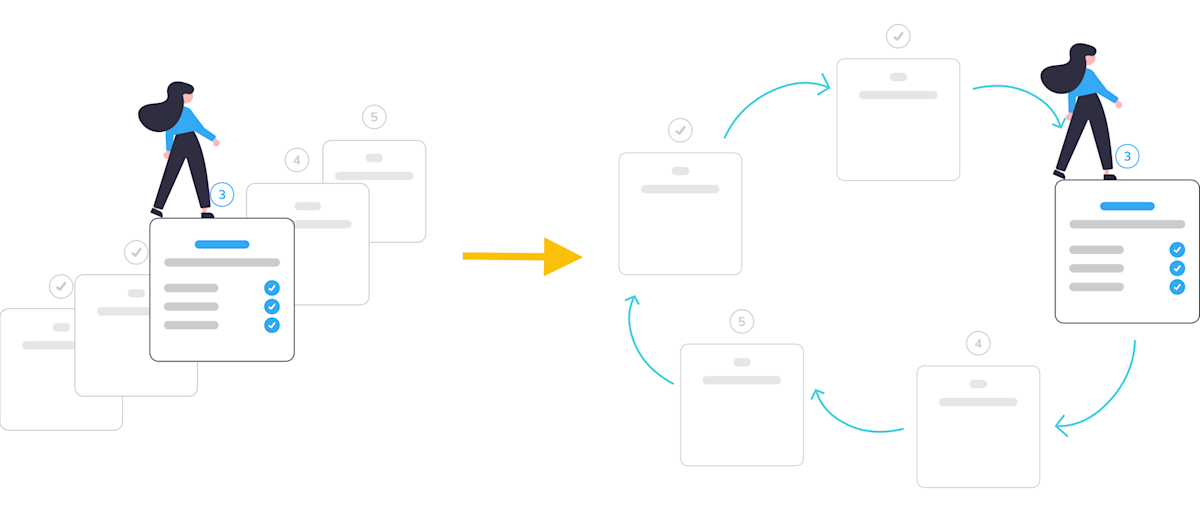
So remember that onboarding never stops. Continue paying attention to your existing customers and make sure you don’t overlook them. This is where customer success and account management can play an important role. While acquisition often gets the spotlight, keep in mind that retention is just as important if not more.